CPS Theme Builder
CPS Theme Builder: the complete guide
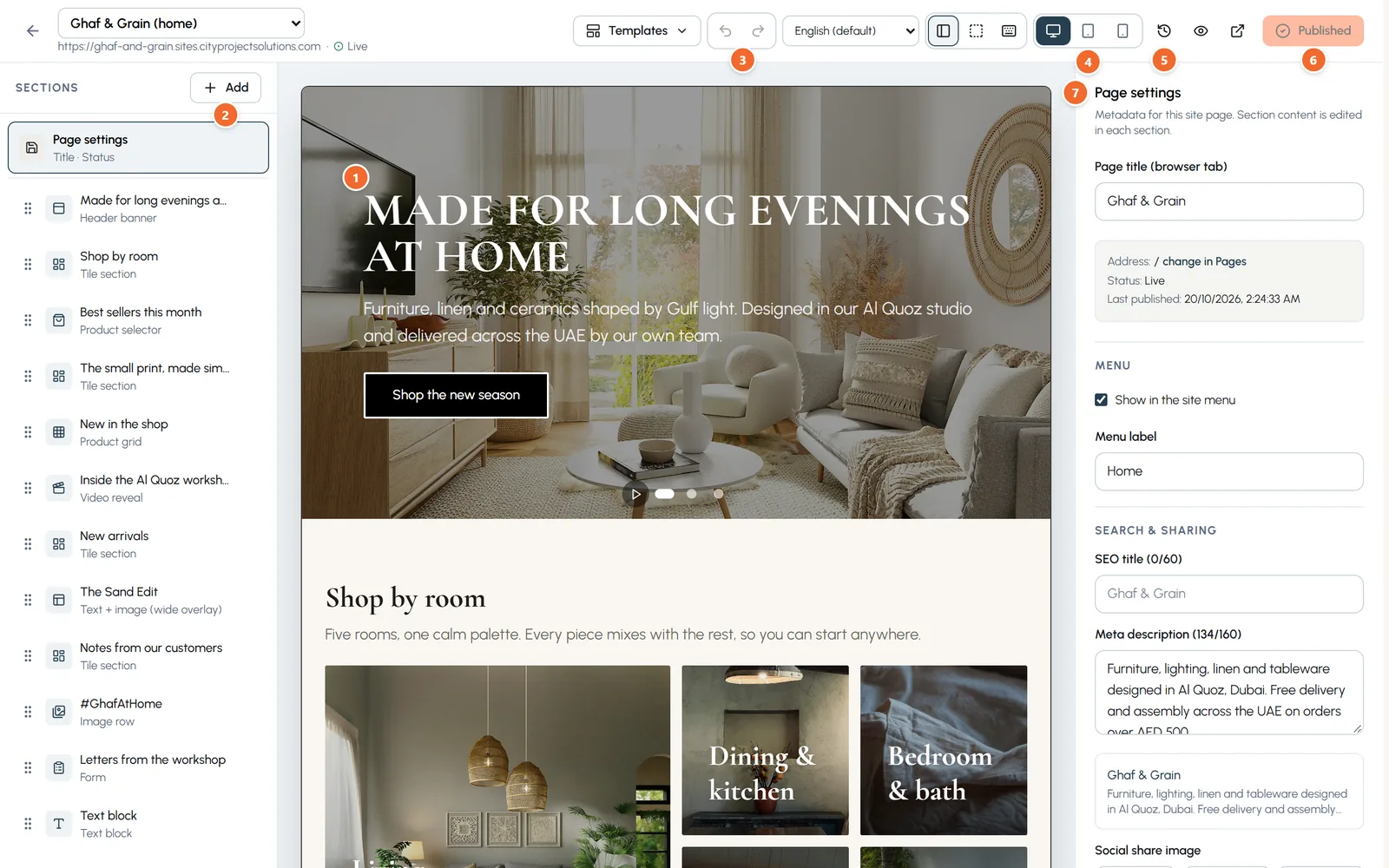
A step by step guide with real screenshots: sign up, build your pages with tiles and content blocks, manage your media, set your theme, publish, get found on Google, add Arabic, connect your own domain and manage your team.
20 chapters · 58 screenshots
- Sign up and choose a plan and a template
- A tour of the console
- Pages, the page tree and your menus
- The builder: sections, tiles, text and images
- Content blocks: FAQ, tabs, carousels, numbers and more
- Advanced settings: animation, hiding, spacing and background
- Faster editing: bold and links, saving, structure and shortcuts
- Media: your pictures and videos
- Theme: your colours, fonts and buttons
- Publish, versions and preview links
- SEO: get found on Google
- The blog
- Forms and the Inbox
- Insights: who visits your site
- Translations and Arabic
- Domains: your free address and your own domain
- Redirects and password protection
- Team and roles
- Security: two-step sign-in
- Plan & Billing: paying by card